环境安装配置
资料下载:
仓库:
git clone https://gitee.com/weidongshan/lvgl_100ask_course_v9.git更新:
git pull origin master安装code::Blocks

更新编译工具链以支持LVGL9特性
- 安装目录下删除原编译工具链

- 替换工具链

- 编译找不到工具链解决 setting --> compiler setting

解决编译报错

setting --> compiler setting
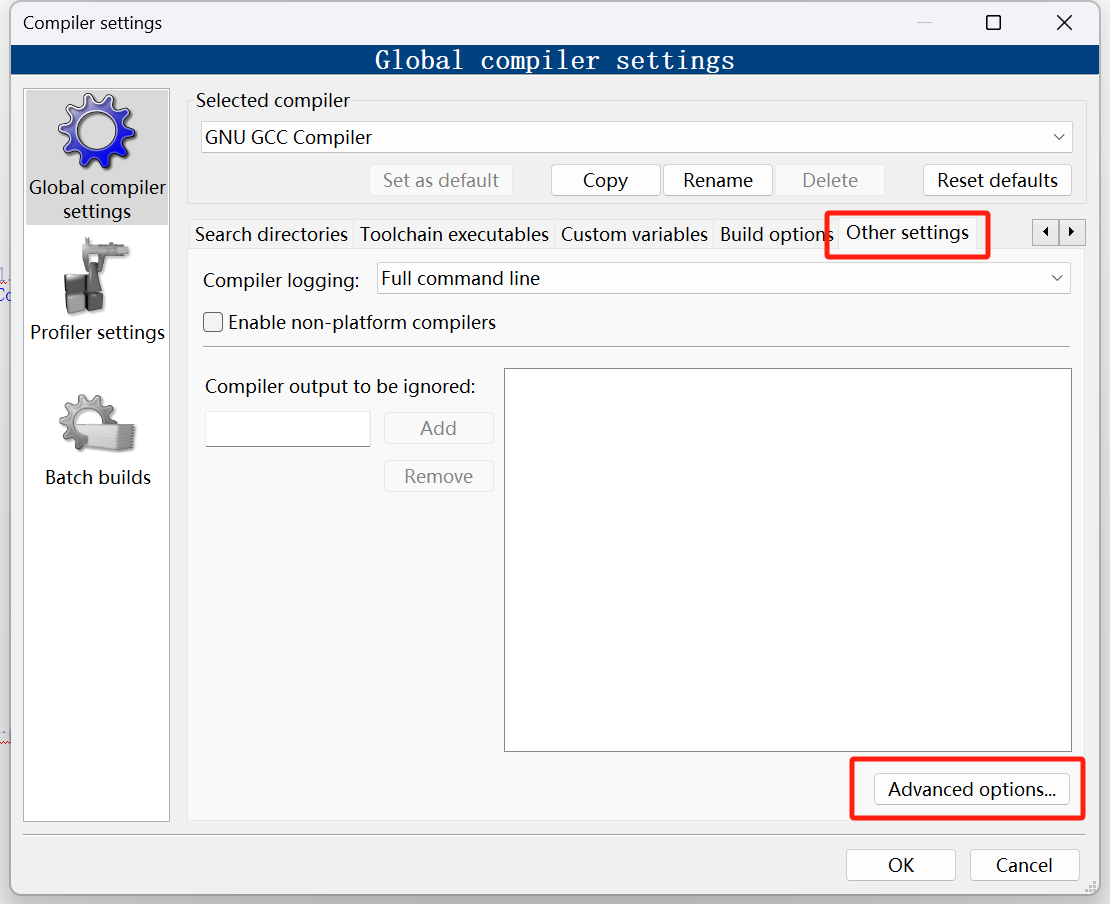
将此处设置为如下

获取LVGL源码并添加到code::Blocks运行
下载LVGL的code::Blocks支持包
前言:百问网做了一个code::Blocks运行LVGL包,下载该源码之后导入对应lvgl对应的版本源码,直接打开code::Blocks即可运行
code::Blocks包下载:https://github.com/lvgl/lv_port_win_codeblocks
这里的版本对应着支持lvgl的版本,需要版本一致
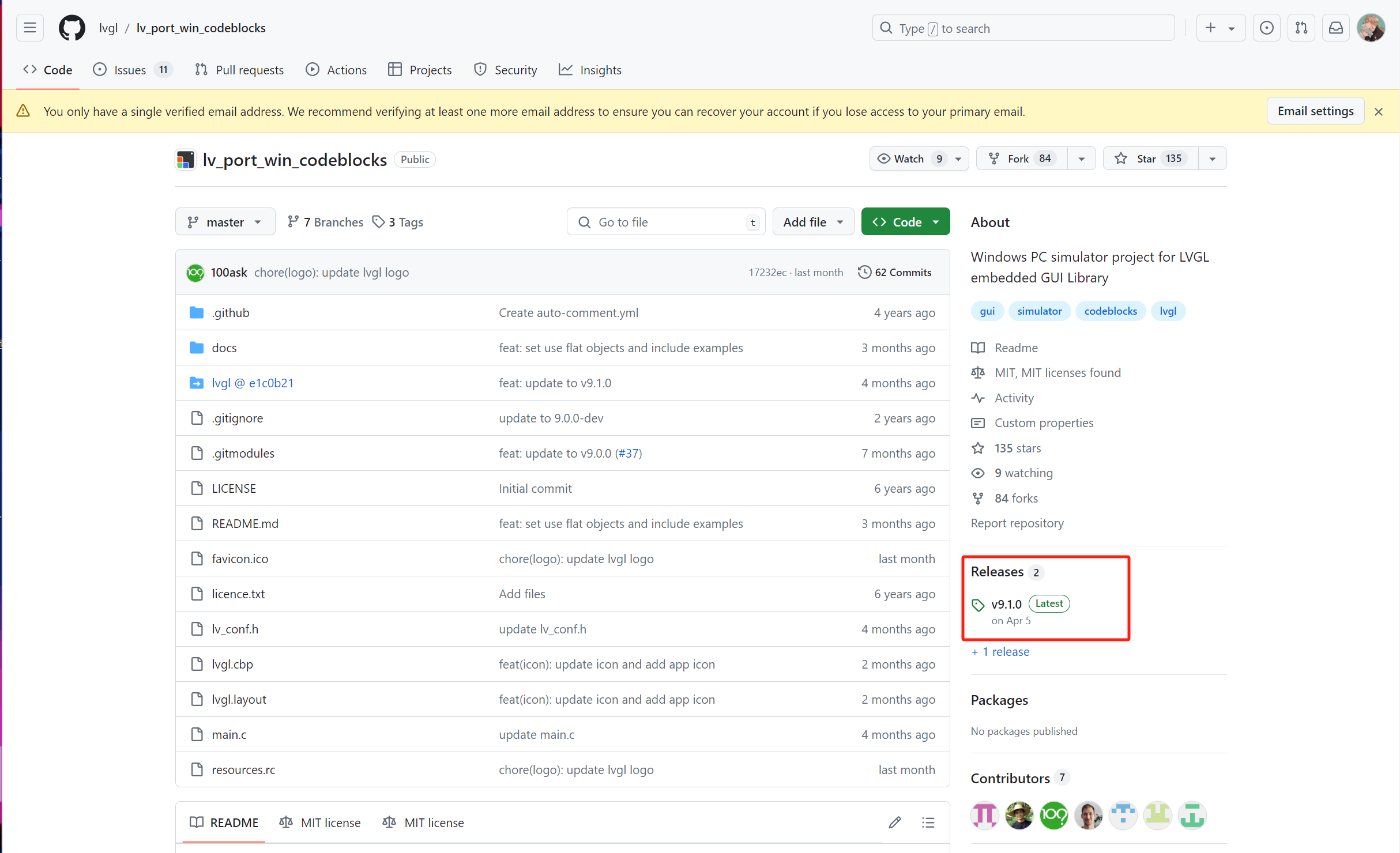
下载9.1版本的code::Blocks支持包
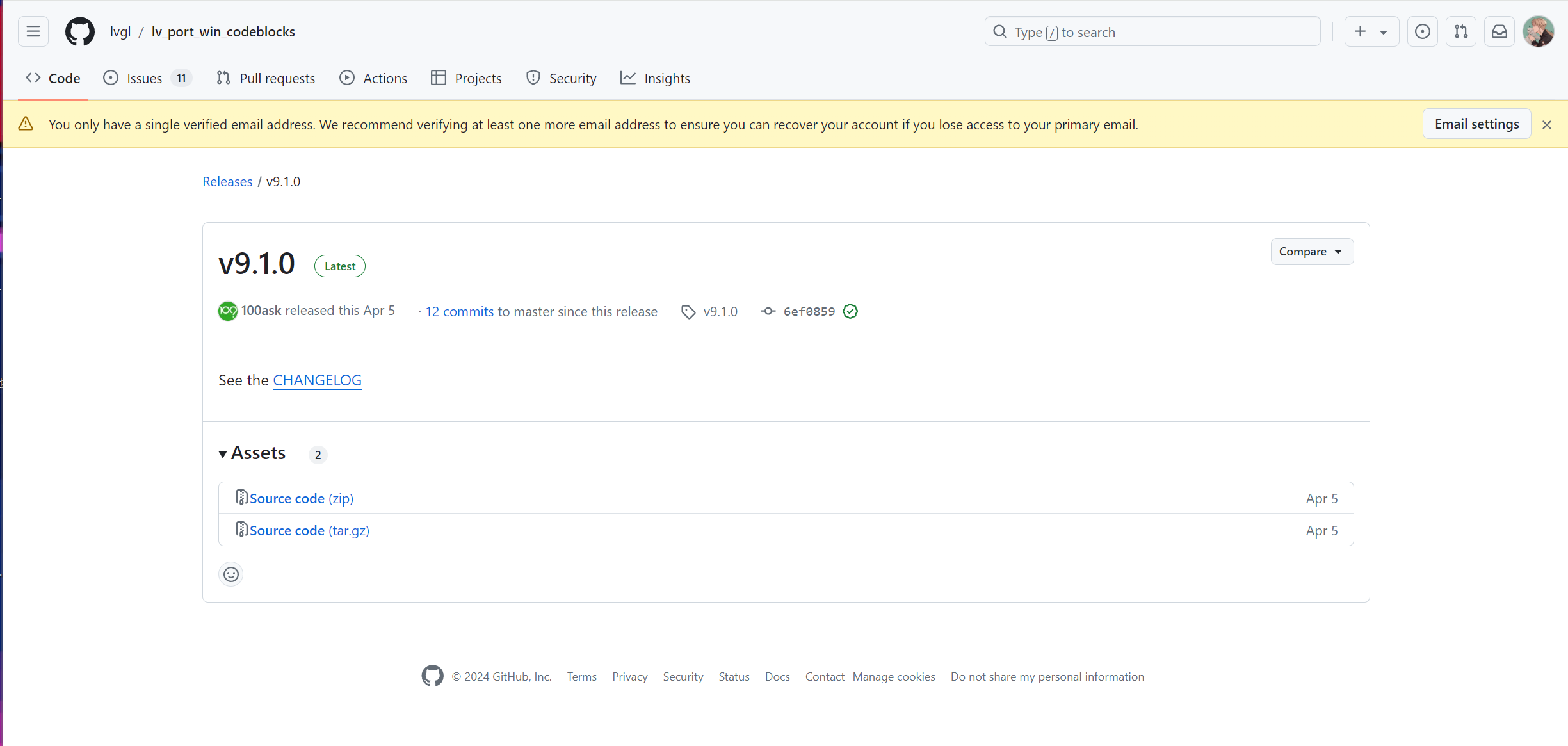
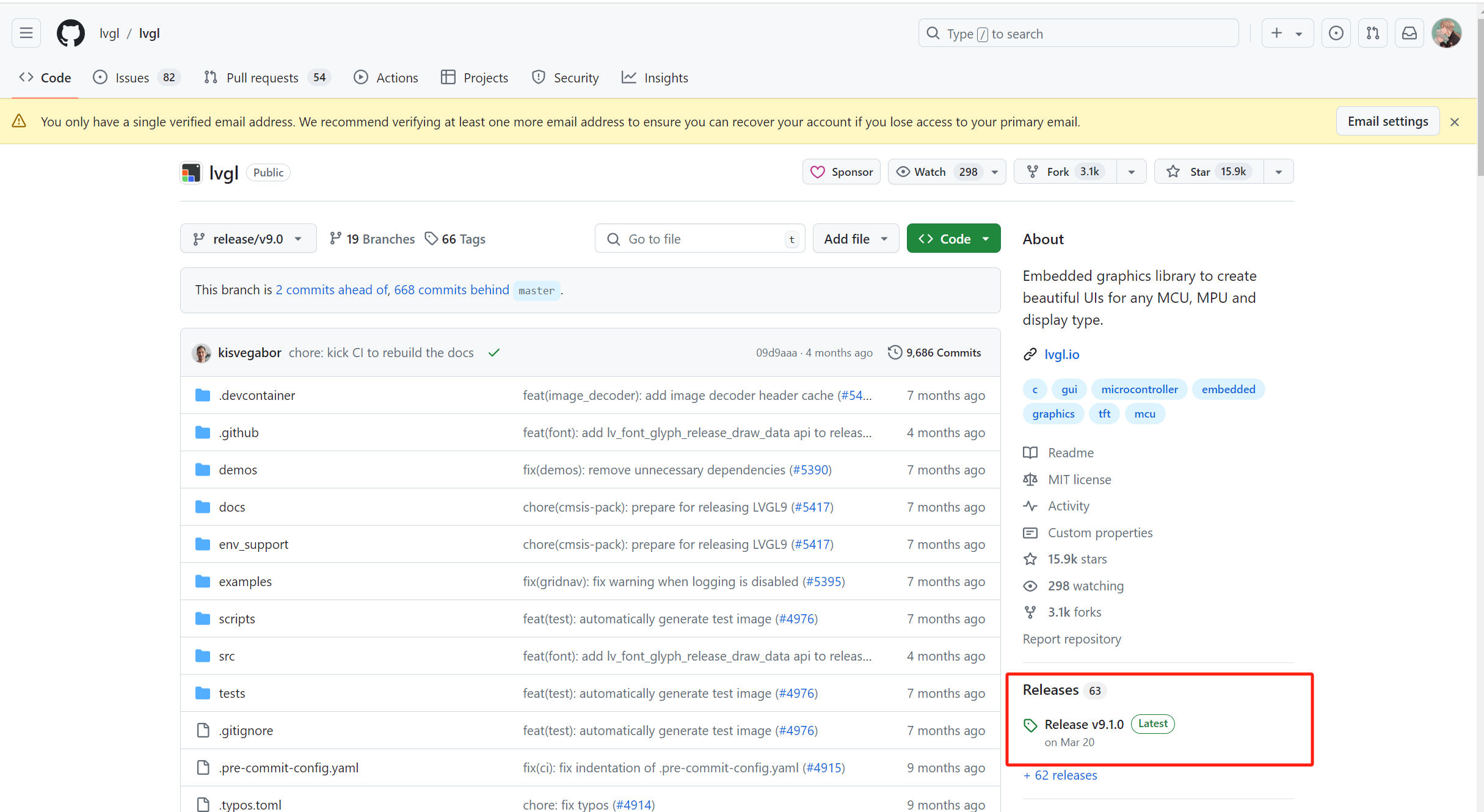
下载9.1版本的lvgl源码
doc : https://github.com/lvgl/lvgl/blob/master/docs/README_zh.rst
获取源码
https://github.com/lvgl/lvgl.git注:直接clone之后需要切换到分支
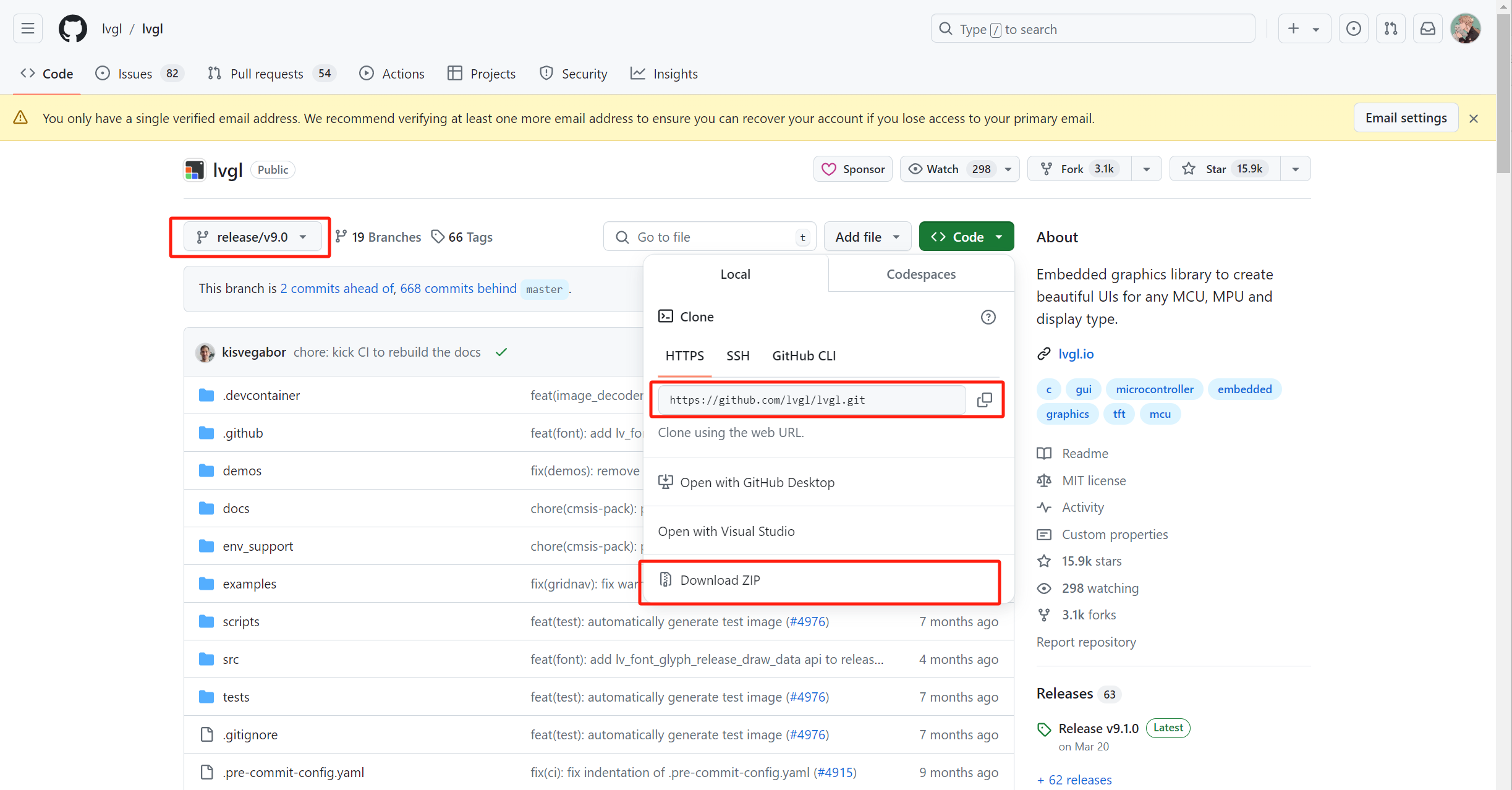
选取特定版本

将lvgl源码导入code::Blocks支持包
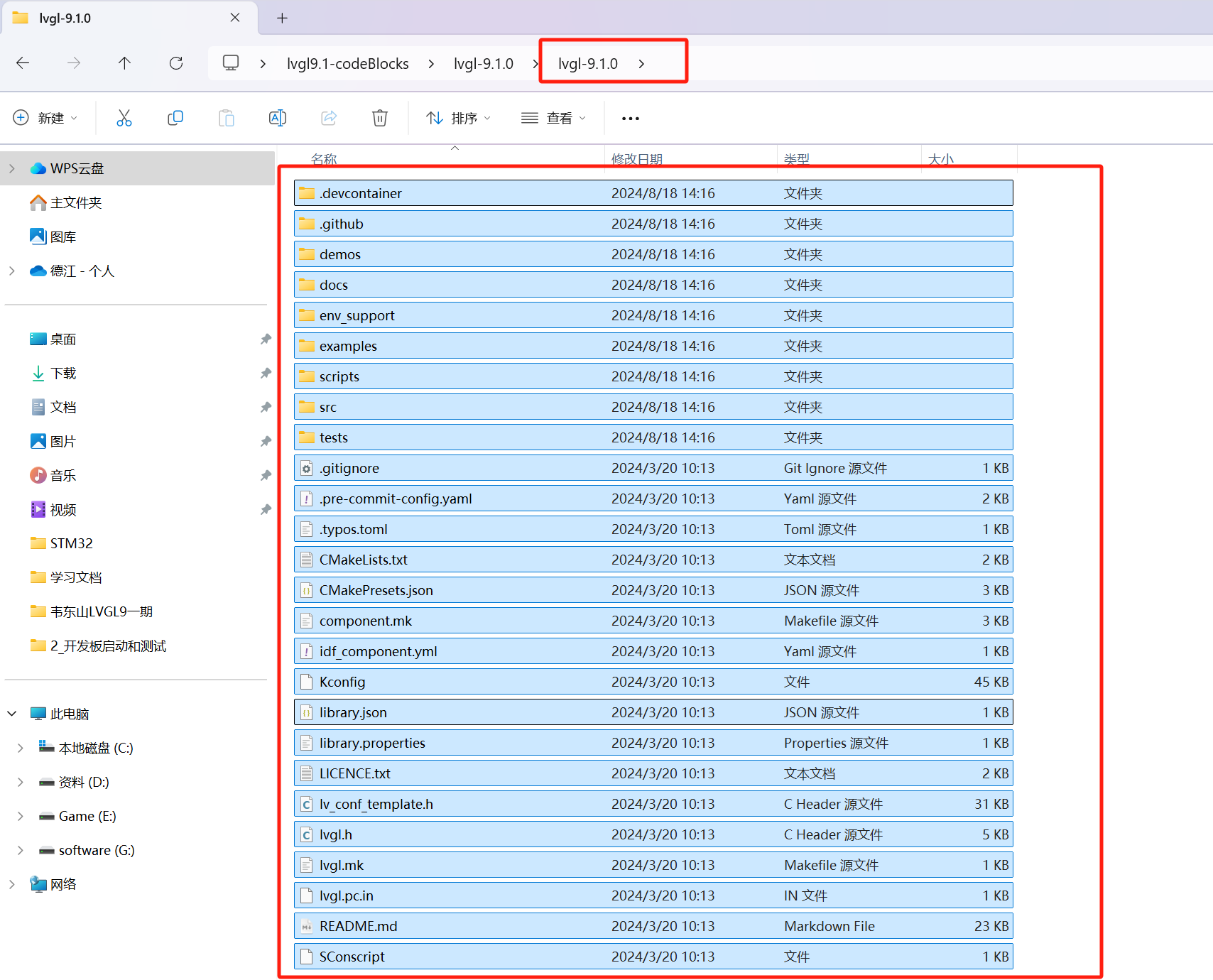
下载好了支持包以及lvgl源码如下

- 目前支持包的lvgl库为空

将lvgl的源码导入进来

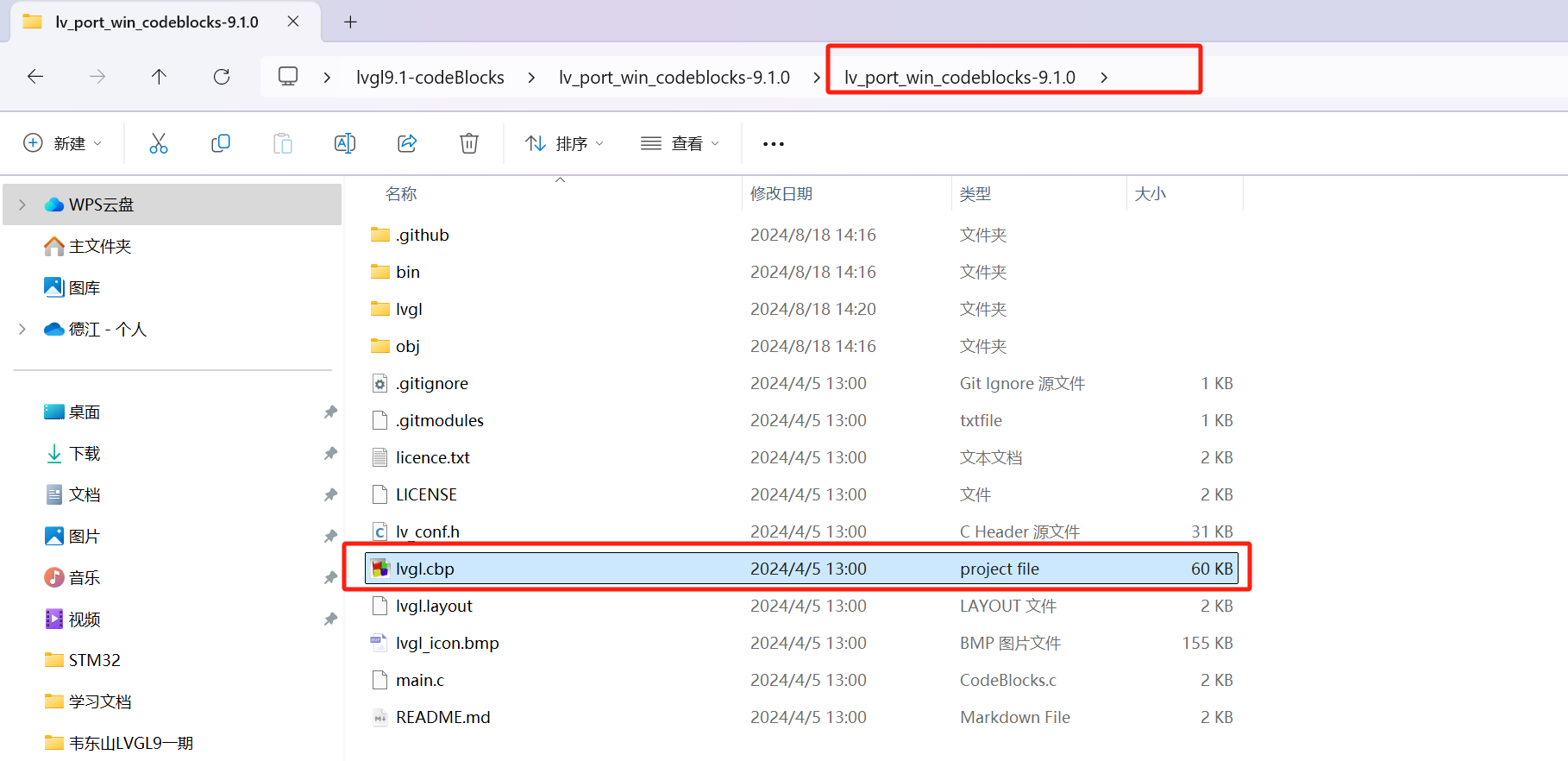
打开项目
重新构建编译并运行(若有报错获找不到编译器,参考环境安装配置小节)